Scribe vs Tango: what each costs and what you get
Scribe and Tango both turn your clicks into a step-by-step guide in the cloud. They differ in price, seat rules and what the free plan does. Here’s the comparison from each company’s pricing page.
Updated November 22, 2026
The short answer
- Pick Tango if you’re one or two people and work mostly in the browser. Its Pro plan costs a little less per person, and its free plan lets up to 10 people view guides.
- Pick Scribe if you’re a team of five or more. Scribe Pro Team costs less per person than Tango Pro.
- Pick neither if you’re on a Mac, work in desktop apps, and would rather pay once. That’s what Stepfinch is for.
Scribe vs Tango at a glance
| Scribe | Tango | Stepfinch | |
|---|---|---|---|
| Free plan | Up to 10 guides, browser only | 5 shared workflows, browser only | 3 guides, every feature |
| One person | $25–35 a month | $22–30 a month | $39 once |
| A team | $13–17 per person a month, at least 5 people | $15–20 per person a month, 3 or more people | $149 once for 5 people |
| Records desktop apps | Pro and Enterprise | Pro and Enterprise | Every plan |
| Blurs private info by itself | Enterprise | Enterprise | Every plan |
| Translates guides | Enterprise | Enterprise, 15 languages | Every plan |
| PDF, HTML, Markdown | Pro and Enterprise | Pro and Enterprise | Every plan |
| Where guides are kept | Scribe’s cloud | Tango’s cloud | Your Mac |
| Runs on | Browser, Mac, Windows | Browser, Mac, Windows | Mac |
From scribe.com/pricing and tango.ai/pricing on November 22, 2026. In each price range, the lower number is for paying yearly.
Price for one person
Tango Pro is $22 a month per person billed yearly, or $30 month to month, for one or two people. Scribe Pro Personal is $25 to $35 a month. Over a year that’s $264 to $360 for Tango and $300 to $420 for Scribe.
Price for a team of five
Scribe Pro Team is $13 to $17 per person a month and starts at 5 seats: $780 to $1,020 a year. Tango Pro for 3 or more people is $15 to $20 per person a month: $900 to $1,200 a year. Tango also asks you to upgrade every member of the workspace, not just the people who make guides.
Stepfinch Team is $149 once for 5 people, each on their own Mac.
Free plans
Scribe’s Basic plan lets you make up to 10 guides in the browser. Tango’s free plan gives you 5 shared workflows and up to 10 users in a workspace, also browser only. Neither free plan records desktop apps or exports a PDF.
Desktop apps
Both started as browser extensions. Both now have desktop apps for Mac and Windows, and both keep them for paid plans. If your work is in Excel, Finder, QuickBooks or an internal tool, you’re paying for Pro either way.
Privacy: blur and where guides are kept
On Pro, both let you blur parts of a screenshot by hand. Automatic detection of personal data is Enterprise on both. Guides live in each company’s cloud, so the screenshots do too.
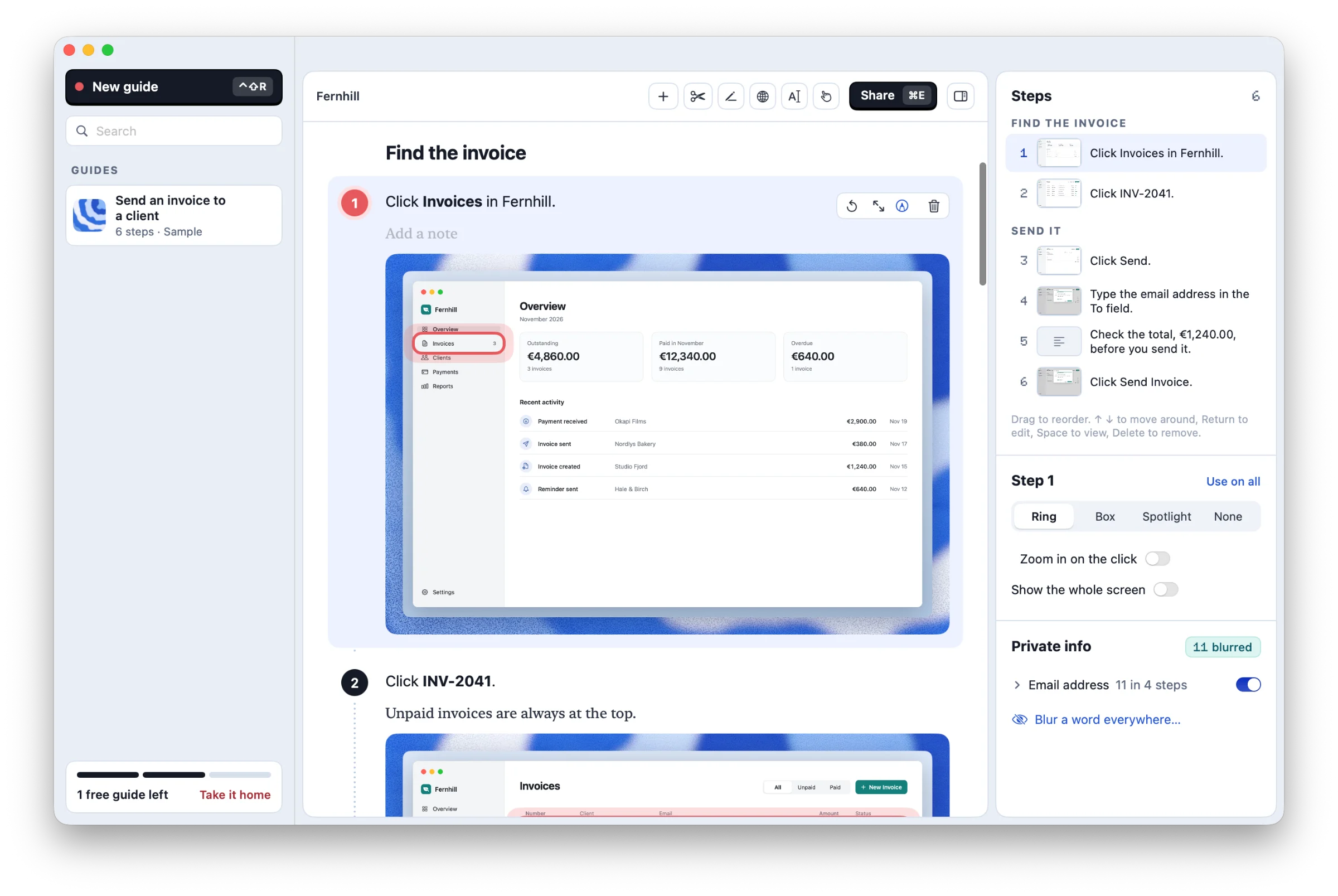
Stepfinch keeps guides as files on your Mac. It finds and blurs emails, phone numbers, card numbers, bank accounts and API keys in every screenshot, on every plan.
What each does best
- Tango has Guide Me, which walks people through a task inside the real web app.
- Scribe has Autocapture, which drafts guides from work it notices in approved apps, and Pages for longer documents.
- Stepfinch records any Mac app, writes and blurs on your Mac, exports to PDF, Word, PowerPoint, a web page or video, and costs $39 once.
Questions
Is Tango better than Scribe?
Neither is better for everyone. For one or two people, Tango Pro costs a little less per month. For a team of five, Scribe Pro Team costs less. Both keep automatic blur, translation and single sign-on for Enterprise.
Is Scribe free?
Scribe’s Basic plan is free for up to 10 guides, recorded in the browser. The desktop app and PDF export need Pro.
Is Tango free?
Tango’s free plan gives you 5 shared workflows and up to 10 users, with capture in the browser. Desktop capture and PDF export need Pro.
Do Scribe and Tango work on a Mac?
Both work in Chrome or Edge on a Mac. Both have desktop apps for Mac and Windows, but only on paid plans.
Which one blurs sensitive information automatically?
Both, but only on Enterprise. On Pro you can blur by hand. Stepfinch blurs emails, phone numbers, card numbers and keys automatically on every plan, including the free one.