Scribe pricing in 2026: every plan, and what’s free
Scribe has a free plan and paid plans charged per person, per month. Here’s what each plan includes, what the desktop app needs, and what a year really costs.
By Telman Gadimov, who makes Stepfinch · Updated November 22, 2026 · 2 min read
Prices on this page are from scribe.com/pricing on November 22, 2026. Scribe changes its plans from time to time, so check there before you buy.
Scribe’s plans at a glance
| Plan | Price | What you get |
|---|---|---|
| Basic | Free | Up to 10 guides, made in your browser, shared by link |
| Pro Personal | $25–35 per seat a month | The desktop app, PDF, HTML and Markdown export, branding, editing and redacting screenshots by hand |
| Pro Team | $13–17 per seat a month, from 5 seats | Pro for a team, with a shared workspace |
| Enterprise | Custom | Automatic redaction of personal and health data, translation, single sign-on |
Scribe’s page has a monthly and a yearly switch, and says paying yearly saves 20%. The lower price in each range is the yearly one.
Is Scribe free?
Yes, Basic is free. It’s a real plan, but it has limits:
- Up to 10 guides.
- Recording happens in the browser, through the Chrome or Edge extension. Desktop apps aren’t recorded.
- No PDF, HTML or Markdown export. You share a link instead.
That’s enough to try Scribe on web apps. It isn’t enough to document a job that happens in Excel, Finder or an accounting app.
Does Scribe have a desktop app?
Yes, for Mac and Windows. But Scribe’s FAQ says: “The Scribe desktop application is a Pro and Enterprise feature.” If you need to record anything outside the browser, you need at least Pro Personal.
What Scribe costs over time
| One year | Three years | |
|---|---|---|
| Pro Personal, 1 person | $300–420 | $900–1,260 |
| Pro Team, 5 people | $780–1,020 | $2,340–3,060 |
| Stepfinch Personal | $39 | $39 |
| Stepfinch Team, 5 people | $149 | $149 |
Which features are Enterprise only
Two features people often expect on Pro are Enterprise only:
- Automatic redaction. Pro lets you edit and redact screenshots by hand. Finding personal and health data by itself is Enterprise.
- Translation. Turning a guide into another language is Enterprise.
Is Scribe worth the money?
For a team that lives in web apps and wants one shared library in the cloud, with comments and single sign-on, Scribe is a solid choice and the per-seat price is the trade-off.
If you work on a Mac, record desktop apps, and would rather own the tool, a subscription is a lot to pay for making guides. That’s the case Stepfinch is built for.
A pay-once alternative for Mac
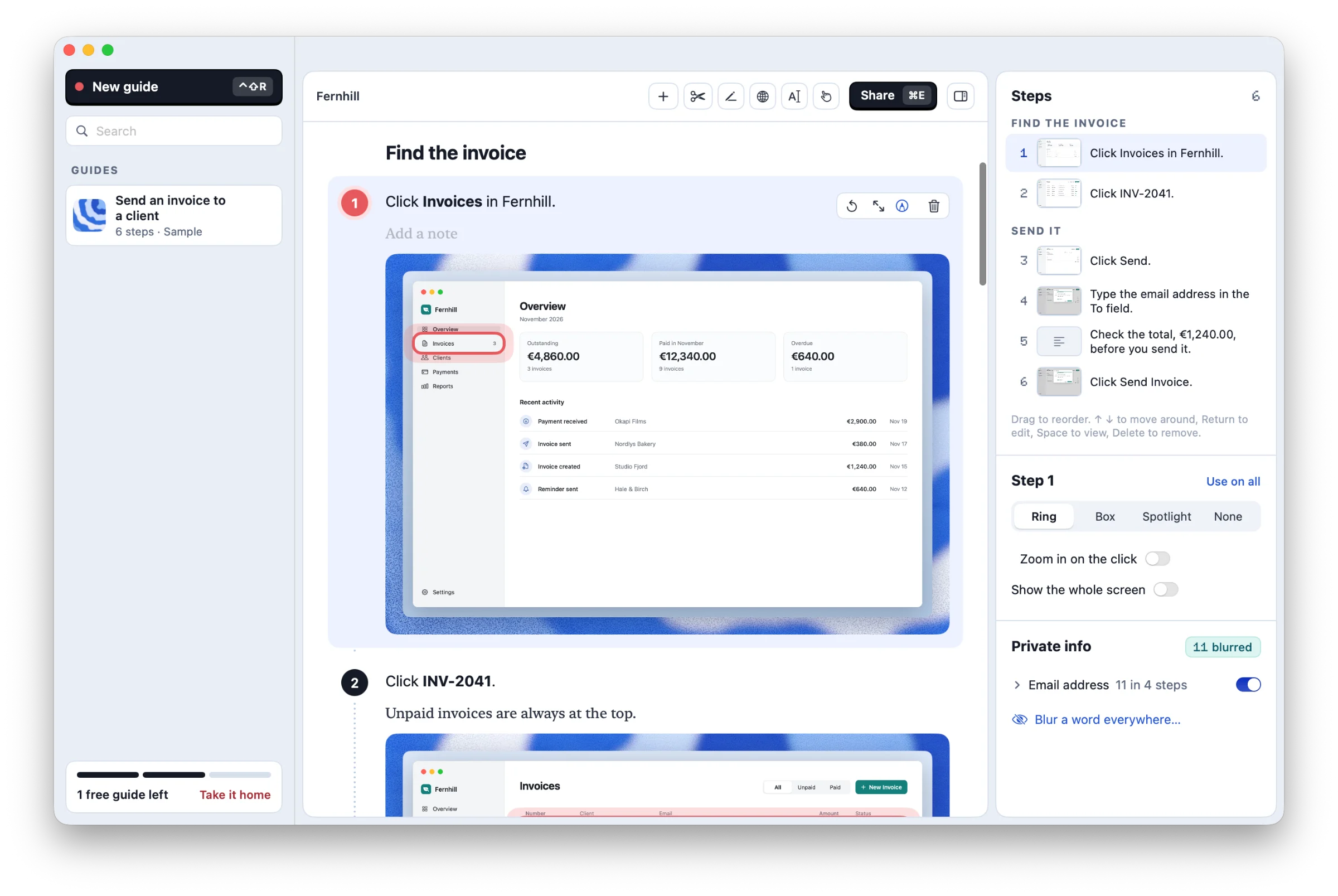
Stepfinch records any app on your Mac, writes each step from the button you clicked, and blurs emails, phone numbers, card numbers and keys by itself. It exports PDF, Word, PowerPoint, Markdown, a web page or a video. Guides are kept on your Mac.
Your first 3 guides are free with every feature. After that it’s $39 once for up to 3 Macs, or $149 once for a team of 5. Read the full Scribe alternative comparison.
Questions
How much does Scribe cost per month?
Pro Personal is $25 to $35 per person a month, depending on whether you pay yearly or monthly. Pro Team is $13 to $17 per person a month, with at least 5 people. Enterprise is priced on request.
Is Scribe free?
Scribe’s Basic plan is free. It lets you make up to 10 guides in your browser and share them by link. The desktop app, PDF export and branding need Pro.
Does Scribe have a desktop app?
Yes, for Mac and Windows. Scribe’s FAQ says the desktop app is a Pro and Enterprise feature.
Is there a free alternative to Scribe?
Stepfinch is free for your first 3 guides, with desktop recording, auto-blur and every export included. After that it’s $39 once, or $3.99 a month if you only need it for a while.