
How to create a user manual for software
Almost nobody reads a manual front to back. They search for one task and follow the steps. Build your user manual around tasks and it gets read.
By Telman Gadimov, who makes Stepfinch · Updated November 22, 2026 · 2 min read
Start with the reader and their tasks
Before writing anything, list what people open your product to do. Not features, tasks: “send an invoice”, “add a team member”, “export last month’s report”. Each task becomes a page. The features show up inside the tasks that use them.
Then decide who’s reading. A manual for customers assumes nothing. A manual for your own staff can skip the basics and get to the work.
How to structure a user manual
- Getting started. Install, sign in, and the one task every new user does first.
- Tasks, grouped by goal. “Billing”, “Your team”, “Reports”. One page per task.
- Troubleshooting. The errors people actually hit, and what to do.
- Questions. Short answers to what support hears every week.
- Glossary. Your product’s words, explained once.
How to write each task page
- Title it with the task, starting with a verb: “Export a monthly report”.
- One line on when to use it, and anything they need first.
- Numbered steps, one action each, using the exact words on screen in bold: “Click Export.”
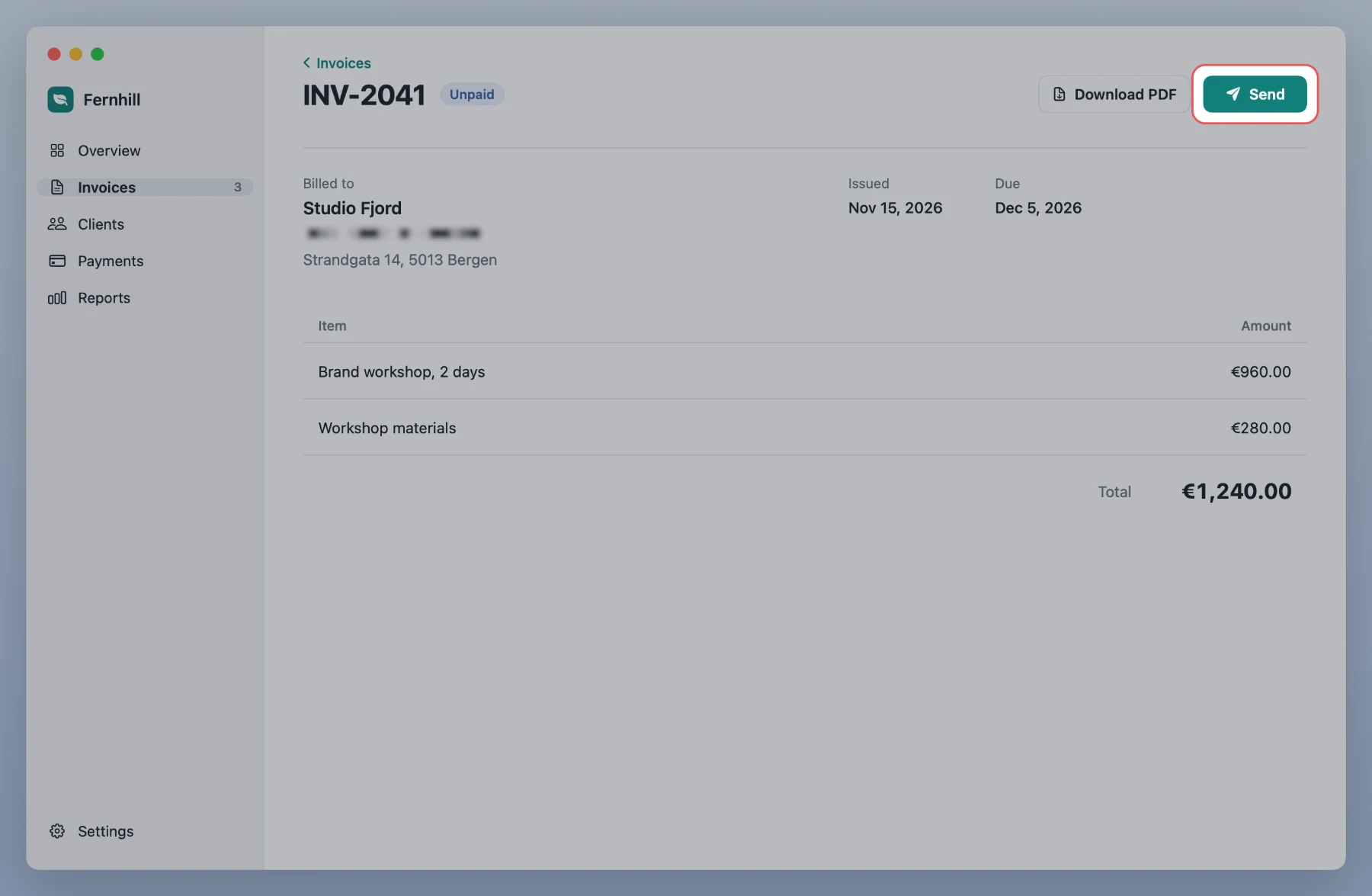
- A screenshot per step, cropped to the window, with the click marked.
- What they should see at the end, so they know it worked.
More on this in how to write step-by-step instructions with screenshots.
Screenshots: the part that takes longest
A twenty-page manual can have two hundred screenshots. Each one has to be captured, cropped, marked, checked for private data and placed under the right step. When the product’s design changes, many of them need doing again. This is why manuals go stale, and why the tool you pick matters more than the template.
User manual software: the options
| Tool | Good for | The catch |
|---|---|---|
| Word or Google Docs | A manual as one document, free | Every screenshot by hand |
| Help-center tools | A searchable manual on your website | A monthly subscription, and screenshots still by hand |
| Scribe or Tango | Recording web-app tasks into guides in their cloud | Per person, per month; desktop apps on paid plans |
| Stepfinch | Recording any Mac app into steps with screenshots | Mac only. $39 once |
They work well together. Many teams record each task page in a guide recorder, then put the pages into Word, a PDF or their help center.
Making the manual with Stepfinch
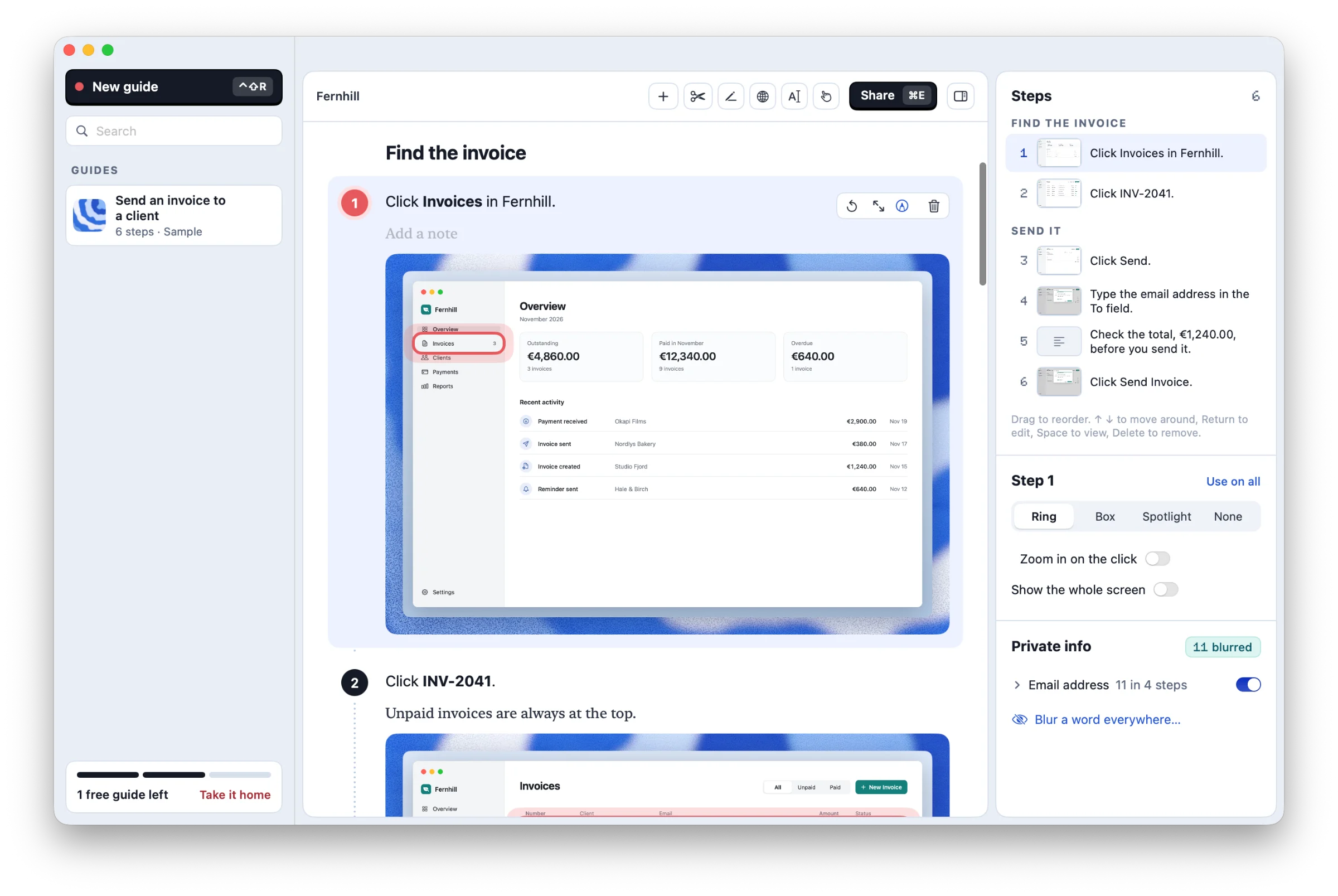
- Record each task. Press ⌃⇧R and use your product as a user would. Every click is a numbered step with a screenshot and a ring on what you clicked.
- Check the wording. Steps are written from the on-screen names, like “Click Export”. Add a note where users go wrong.
- Let the blur run. Test-account emails, phone numbers, card numbers and API keys are blurred in every screenshot.
- Export where the manual lives. Word or a PDF with a cover and contents, Markdown for a docs site, a web page, or a click-through walkthrough.
- Update one step at a time. When a screen changes, retake that step’s screenshot instead of the whole page.
Questions
What’s the difference between an SOP and a user manual?
An SOP says how your team does a task the same way every time. A user manual says how to use a product. They look alike, numbered steps with screenshots, but a manual is written for the product’s users and is organized by what they want to do.
What software is best for creating a user manual?
It depends on where the manual will live. Word or Google Docs for a document, a help-center tool for a website, and a guide recorder for the step-by-step pages. On a Mac, Stepfinch records the steps and exports to Word, PDF, Markdown or a web page.
Can ChatGPT create a user manual?
It can help with outlines and overview text. The task pages need the real screens, so record them from the product and use AI only to tidy the wording.
How do I keep a user manual up to date?
Keep one page per task. When the interface changes, re-record or retake only the steps that changed. Note the product version at the top of each page.