
A Folge alternative built only for the Mac
Folge and Stepfinch both turn your clicks into step-by-step guides, and both are paid for once. Here’s how they differ, and when Folge is still the better choice.
Updated November 22, 2026
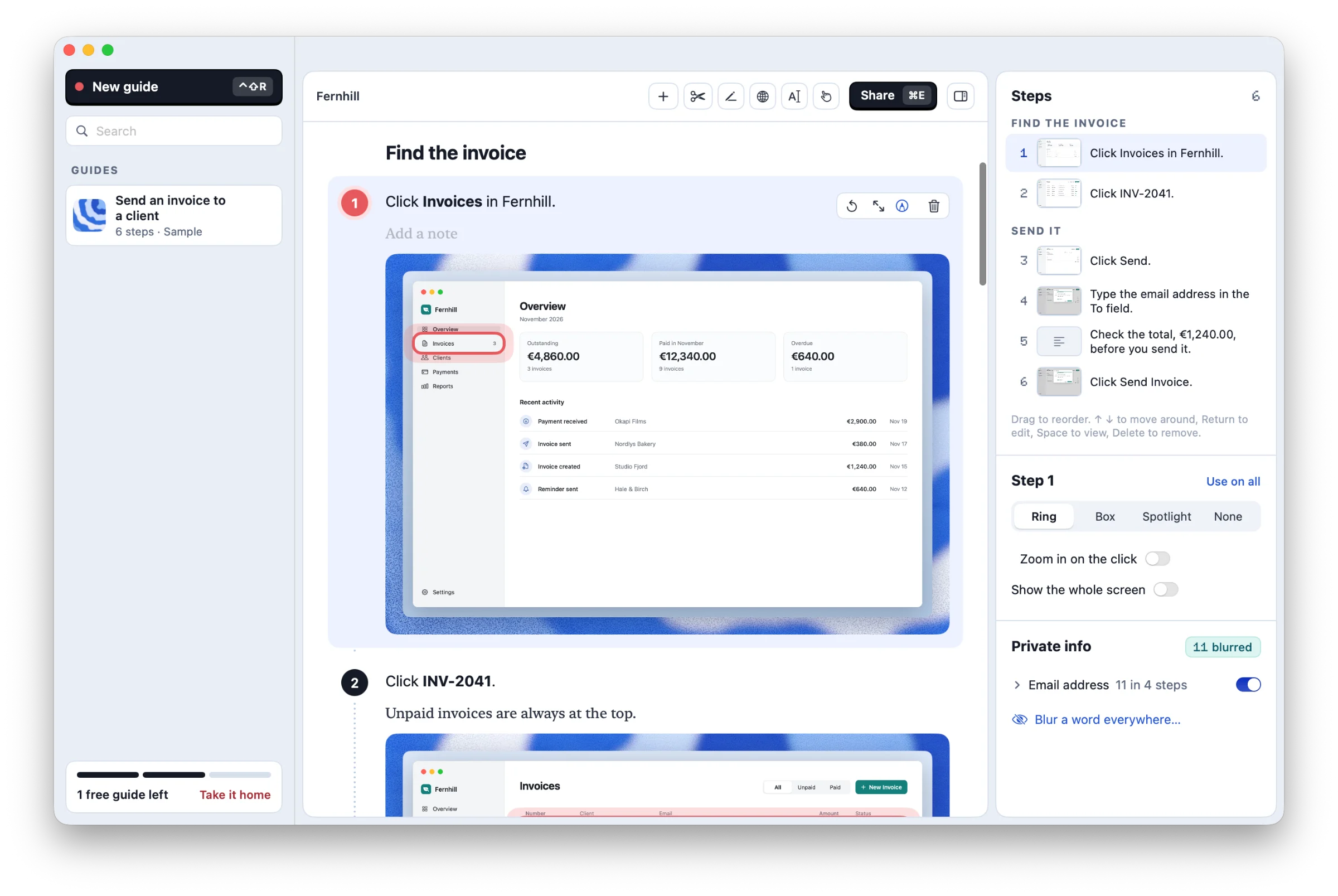
Folge is the best-known guide maker you pay for once, and it has earned that: it has been around since 2020, it runs on Mac and Windows, and it exports to almost anything. Stepfinch takes a narrower route. It’s built only for the Mac, and it does the writing and the blurring for you.
Folge and Stepfinch side by side
| Stepfinch | Folge | |
|---|---|---|
| Price for one person | $39 once, up to 3 Macs | $89 once, one platform and one computer |
| For a team | $149 once for 5 people | $155 once per seat |
| Free version | 3 guides, every feature | 5 guides, PDF export |
| Built with | Swift, native to the Mac, about 7 MB | Electron, 689 MB on disk |
| Runs on | Mac | Mac and Windows |
| AI writing | On your Mac, no key needed | With your own OpenAI, Claude or OpenRouter key |
| Blurs private info by itself | Yes: emails, phones, cards, bank accounts, keys | No, blur by hand or in bulk |
| Translates guides | Yes, on your Mac | No |
| Exports | PDF, Word, PowerPoint, Markdown, web page, walkthrough, SCORM, GIF, video, rich text | 12 formats, plus publishing to Notion, WordPress, Confluence and Hudu |
Folge’s prices are from folge.me/buy on November 22, 2026. The size is from the installed Folge 1.41 app on November 21, 2026.
Where Stepfinch is different
- Native and small. Stepfinch is written in Swift for the Mac, with no browser engine inside. It’s about 7 MB and opens instantly.
- AI with nothing to set up. Folge’s AI helper needs your own API key and you pay per use. Stepfinch uses Apple’s on-device model for titles, intros and tidier wording. Nothing leaves your Mac.
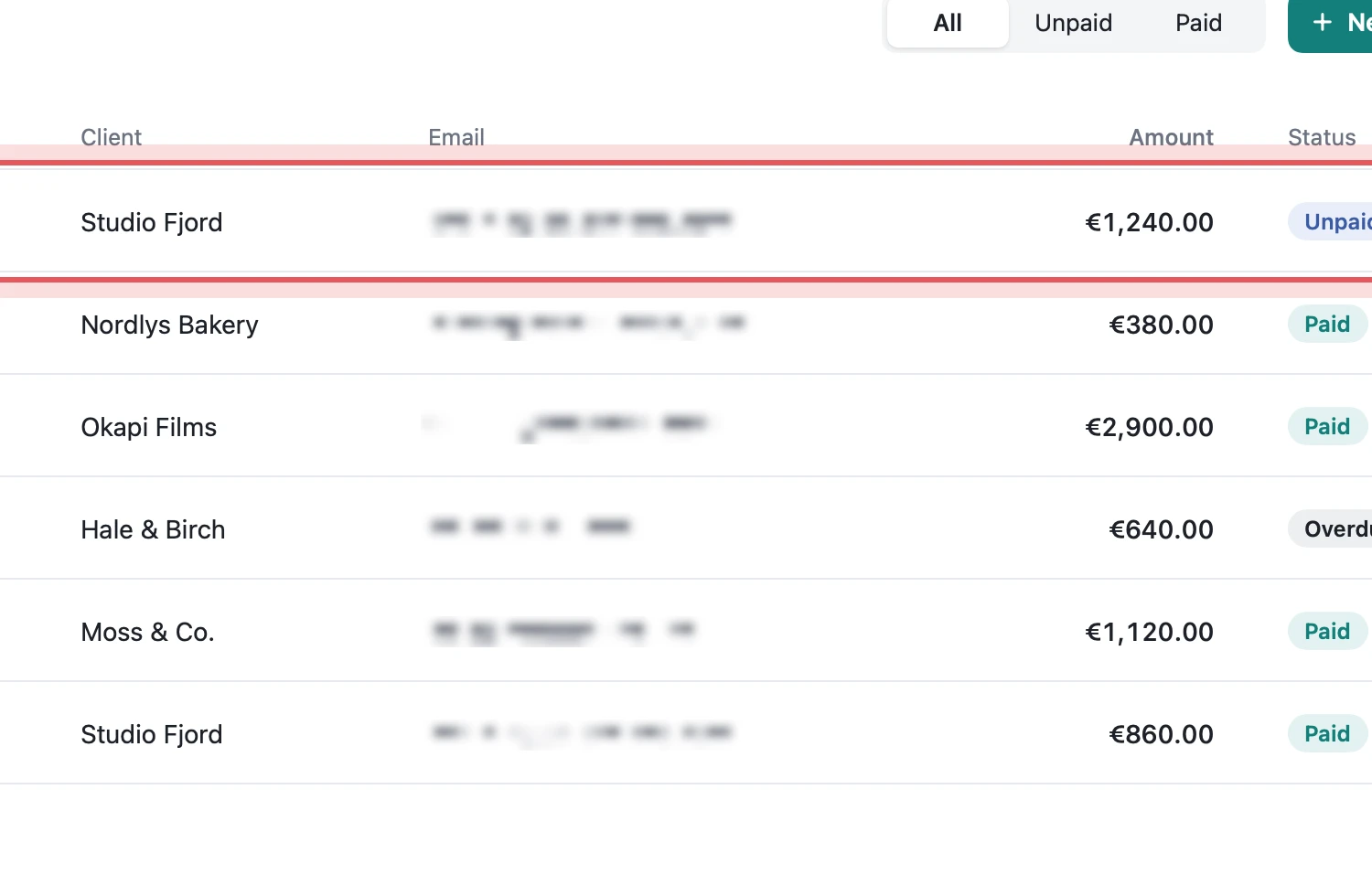
- Blur that happens by itself. Stepfinch finds email addresses, phone numbers, card numbers, bank accounts and API keys in every screenshot and blurs them before you share. Password fields are never read.
- Translation. Turn a guide into another language, notes and headings included, with the on-screen names kept.
- All your Macs. One Personal license covers 3 Macs. Moving it takes one click in Settings.
When Folge is the better choice
- You need Windows, or one license that covers both platforms (Folge Business).
- You publish straight to Confluence, Notion, WordPress or Hudu from the app.
- You want a big annotation kit: speech bubbles, a magnifier, numbered badges, freehand drawing and more than 20 tools in all.
- You’re on an Intel Mac. Stepfinch needs Apple silicon.
Other options
- Scribe and Tango: cloud tools you pay for every month, per person. See Scribe vs Tango.
- Snagit: a screenshot tool with Step Capture, $39 a year. See Snagit alternatives for Mac.
Questions
Is Folge free?
Folge has a free plan for 5 guides with PDF export. Stepfinch’s free version covers 3 guides with every feature, including every export format and auto-blur.
Does Folge work on a Mac?
Yes. Folge runs on macOS 13 or later and on Windows. A Personal license covers one platform and one computer.
Can I open my Folge guides in Stepfinch?
There’s no import. Most people keep their old guides as PDFs or Word files and record new ones in Stepfinch.
Do I need an OpenAI or Claude key for Stepfinch’s AI?
No. Stepfinch uses Apple’s on-device model, so there’s no key, no account and no cost per use. It needs macOS 26 for the AI features; recording, blur and exports work on macOS 14.
Which one is better for a team?
Folge Business is $155 per seat, once, on Mac and Windows, with offline collaboration. Stepfinch Team is $149 once for 5 people, Mac only.